
President Simulator Shove Advisors: Office Interactions
You shove advisors in President Simulator by walking directly into their character model or chair using WASD movement. This physical displacement is a playful office interaction that lets you push sitting staff members around while managing routine paperwork.
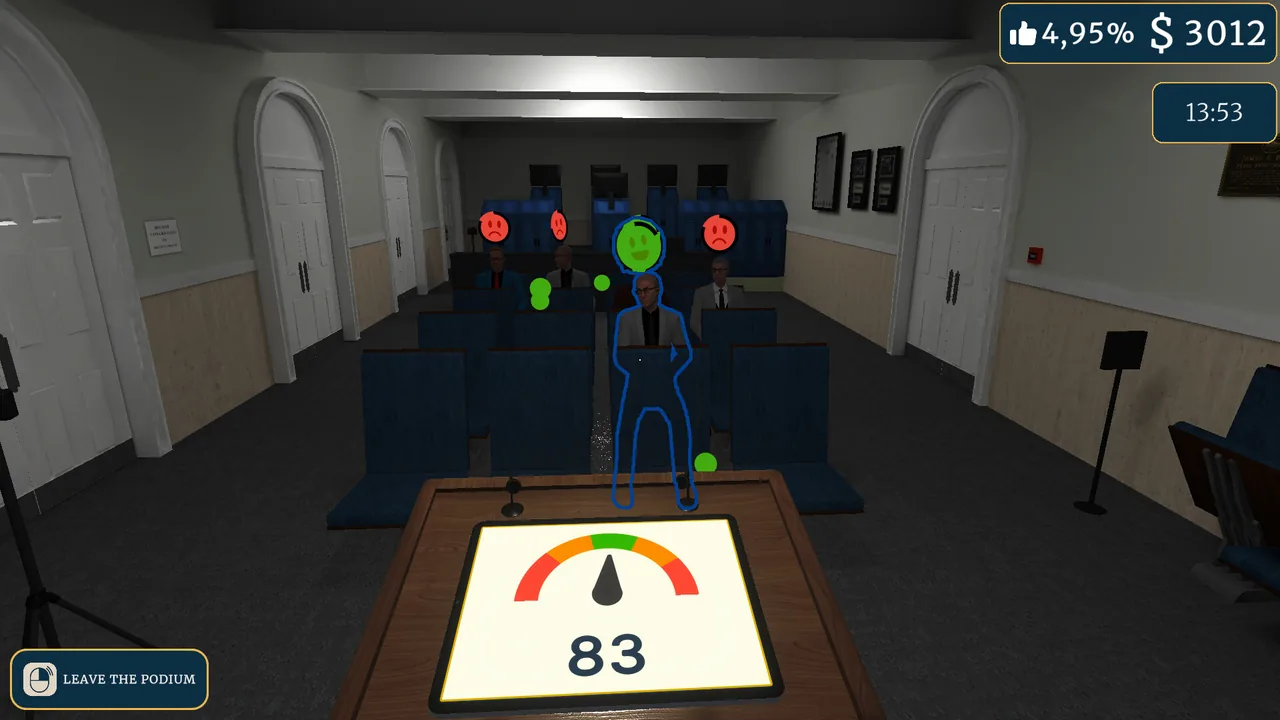
You shove advisors in President Simulator by walking directly into their character model or chair using WASD movement. This physical displacement is a playful office interaction that lets you push sitting staff members around while managing routine paperwork.
The game is a satirical political simulation developed by Studio 14b on Steam. In your daily routine as the nation's accidental leader, physical interaction inside the Oval Office and side rooms extends beyond the signing desk to the people working under you.
How Do You Shove Advisors in Your Office?
Advisors are physical characters seated in the adjacent administrative room. You push them by standing up from your desk, walking through the doorway, and running straight into their bodies or desk chairs using standard movement keys.
The official Steam store page highlights these tactile mechanics alongside classic policy management:
"Total Tactile Immersion: It's your office. Throw decrees, shove your advisors. You are the President, nobody’s going to stop you." — Studio 14b Steam store page
When your character collides with the advisor seated beside the law submission box, walking into them pushes them and their chair, displacing them across the room or out of their seat. The game does not require a dedicated strike or grab button to trigger this reaction. Shoving does not harm staff members, reduce approval ratings, or halt the processing of queued bills on the side room computer.
Why Do You Interact With Advisors During the Workday?
Advisors are your administrative conduits for turning raw desk signatures into enacted government policy. Every signed or rejected document must reach the law box on your advisor's desk before the 9:00 PM cutoff to be validated.
| Staff Handling Method | Best Situation | Operational Cost |
|---|---|---|
| Manual delivery | Early game before 2% popularity | Player time running between rooms |
| Advisor Legs upgrade | Unlocked at 2% popularity rating | In-game cash earned from passing laws |
| Shoving staff | Leisure between morning briefs | Minor character repositioning |
When you begin your presidential term, you hold 0% popularity and zero administrative skills. You must walk signed bills into the next room yourself, place them into the drop box, or physically throw decrees across the room if your aim is steady.
Pushing your aide off their seat serves purely as comedic relief during the standard office loop. Once you unlock upgrades, your staff members become active couriers who walk directly to your desk to collect pending paperwork.
What Upgrades Change How Advisors Handle Decrees?
Office upgrades are purchased using funds accumulated from passing bills. Purchasing upgrades modifies how your cabinet assists you throughout the workday.
- Advisor Legs: Unlocks once your presidential popularity reaches 2%. This upgrade enables your advisor to physically get up from their desk chair, walk into the Oval Office, and pick up signed decrees directly from your desk surface.
- Advisor Carries One: Upgrades your advisor's carrying capacity so they can transport laws directly for you.
- Advisor Return Speed: Decreases the amount of time it takes for an advisor to return to their desk.
These automation perks reduce the time you spend navigating the hallways between 9:00 AM and 9:00 PM, leaving more room to manage press conferences and navigate unexpected events. When legislative themes swing toward high danger, tapping the red button lets you address emergent threats while your staff processes the daily backlog.
Sources: President Simulator: official Steam data, Steam Community Guides
Where does this guide's official President Simulator information come from?
Official details in this guide follow President Simulator on Steam, which describes the game in its own words.
Become President of the USA: sign absurd decrees and balance your policies to avoid being called a "sellout." Communicate to gain popularity, manage interviews, and face press conferences. Everything falling apart? Press the red button.
President Simulator on Steam
Next step
Throw Decrees Guide
Understand how tossing signed bills across the Oval Office speeds up law routing before purchasing staff movement upgrades.
Related Guides
President Simulator Oval Office Restoration: How to Clean Up; President Simulator Recruit Advisors: Office Setup; President Simulator Language Support on Steam
Oval Office Restoration
Learn how to obtain renovation gear and restore the ruined Oval Office through computer tasks and popularity growth.
Recruit Advisors
Review advisor hiring requirements, computer upgrade tiers, and practical tips to automate law delivery across the Oval Office.
Language Support
Check confirmed Steam languages for President Simulator alongside upcoming localization plans announced by developer Studio 14b.