
President Simulator Offline Play and Single-Player Setup
President Simulator runs entirely as a single-player desktop simulation on Windows PC, allowing you to manage decrees and Oval Office operations without multiplayer requirements or mandatory online matchmaking lobbies.
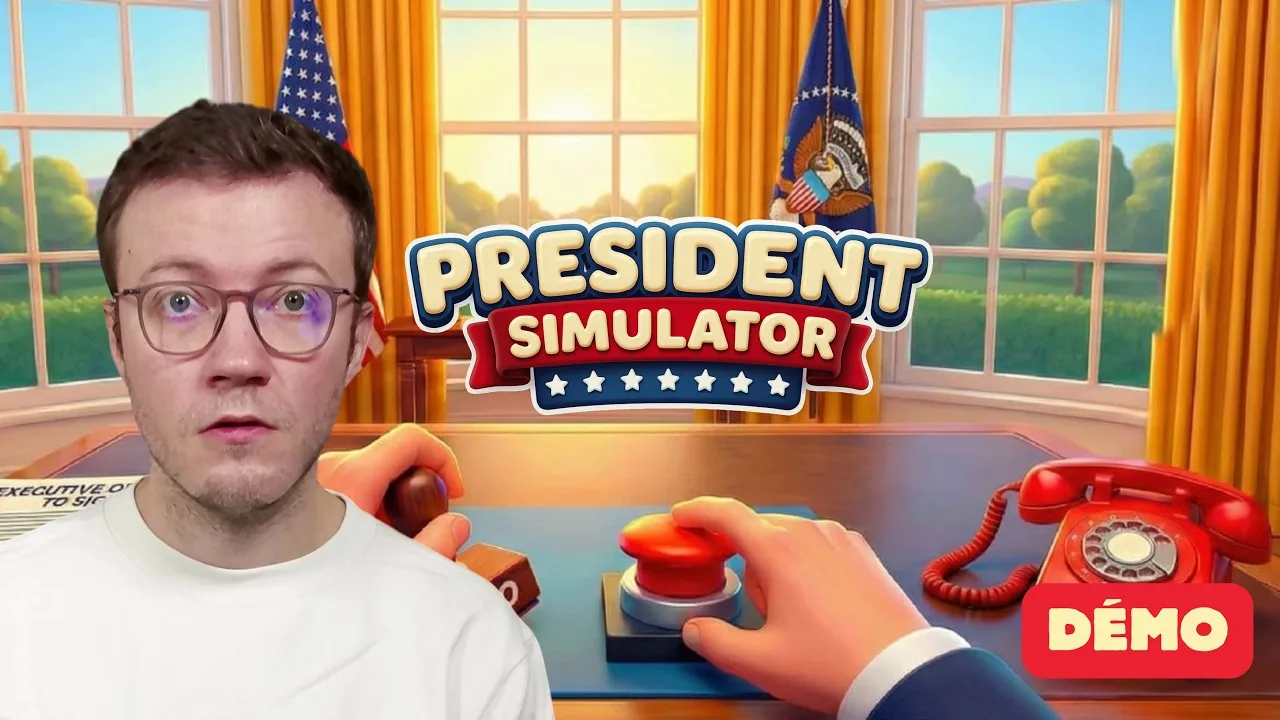
President Simulator runs entirely as a single-player desktop simulation on Windows PC, allowing you to manage decrees and Oval Office operations without multiplayer requirements or mandatory online matchmaking lobbies.
Can You Play President Simulator Offline?
President Simulator is a dedicated single-player simulation game developed and published by Studio 14b. The Steam store page lists single-player as its primary play structure alongside Steam Cloud support and Family Sharing. Because the title contains no cooperative campaigns, competitive multiplayer lobbies, or peer-to-peer matchmaking, gameplay focuses strictly on solo presidential administration from the Oval Office desk.
The official Steam listing quotes the design scope directly:
"We're a team of just two people, and President Simulator has been our passion project from day one." — the developer's Early Access announcement on Steam
Running the client via Steam in offline mode allows solo sessions to function locally once installation files finish downloading. Players managing system requirements on local machines retain access to decree signing, daily polling routines, and advisor mechanics without establishing a connection to external game servers.
Which Game Modes Function During Solo Sessions?
Solo sessions give full access to administrative desks, interactive equipment, and executive policy pipelines. The core campaign structure does not lock key presidential duties behind multiplayer checks.
| Play Mode Setup | Best Use Case | Operational Demands |
|---|---|---|
| Standard Online Steam Session | Daily play with cloud saves | Requires active internet for Steam sync and achievement tracking |
| Steam Offline Mode | Travel or disconnected laptop play | Requires prior game installation and local save caching |
| Experimental Demo Mode | Testing baseline mechanics | Limited feature set with demo-specific builds and updates |
Playing disconnected allows you to buy, sign, and stamp decrees, adjust legislative themes across military and healthcare initiatives, or test the red button whenever executive crises mount.
How Do Daily Routines Run Without Network Connections?
Local gameplay operates around an internal in-game clock where each official working shift starts at 09:00. Disconnected sessions process all legislative cycles directly on your computer hardware through local game scripts.
- Review the morning briefing at 09:00 to assess daily revenue and past decree approval ratios.
- Monitor political balance across sectors using your desk tablet to prevent runaway crises.
- Purchase law cards from the desk box, affix executive signatures, and deliver documents to validation trays.
- Align the popularity cursor between active safe zones on the polling machine before evening tallies close.
- Exit the Oval Office at the end of the shift to lock in accrued funds and advance the calendar.
Local save data tracks treasury growth, advisor hiring status, and popularity rates without routing input through cloud servers. Solo presidents can continue to recruit advisors or maintain executive authority entirely on their local Windows rig.
Sources: President Simulator: official Steam data, Steam Community Guides
Where does this guide's official President Simulator information come from?
Official details in this guide follow President Simulator on Steam, which describes the game in its own words.
Become President of the USA: sign absurd decrees and balance your policies to avoid being called a "sellout." Communicate to gain popularity, manage interviews, and face press conferences. Everything falling apart? Press the red button.
President Simulator on Steam
Next step
Best Choices
Evaluate decree success odds, balance executive meters, and select effective crisis proposals to keep your presidential popularity growing each workday.
Related Guides
President Simulator Language Support on Steam; President Simulator Best Choices for Laws and Crises
Language Support
Check confirmed Steam languages for President Simulator alongside upcoming localization plans announced by developer Studio 14b.
Best Choices
Evaluate decree success odds, balance executive meters, and select effective crisis proposals to keep your presidential popularity growing each workday.